
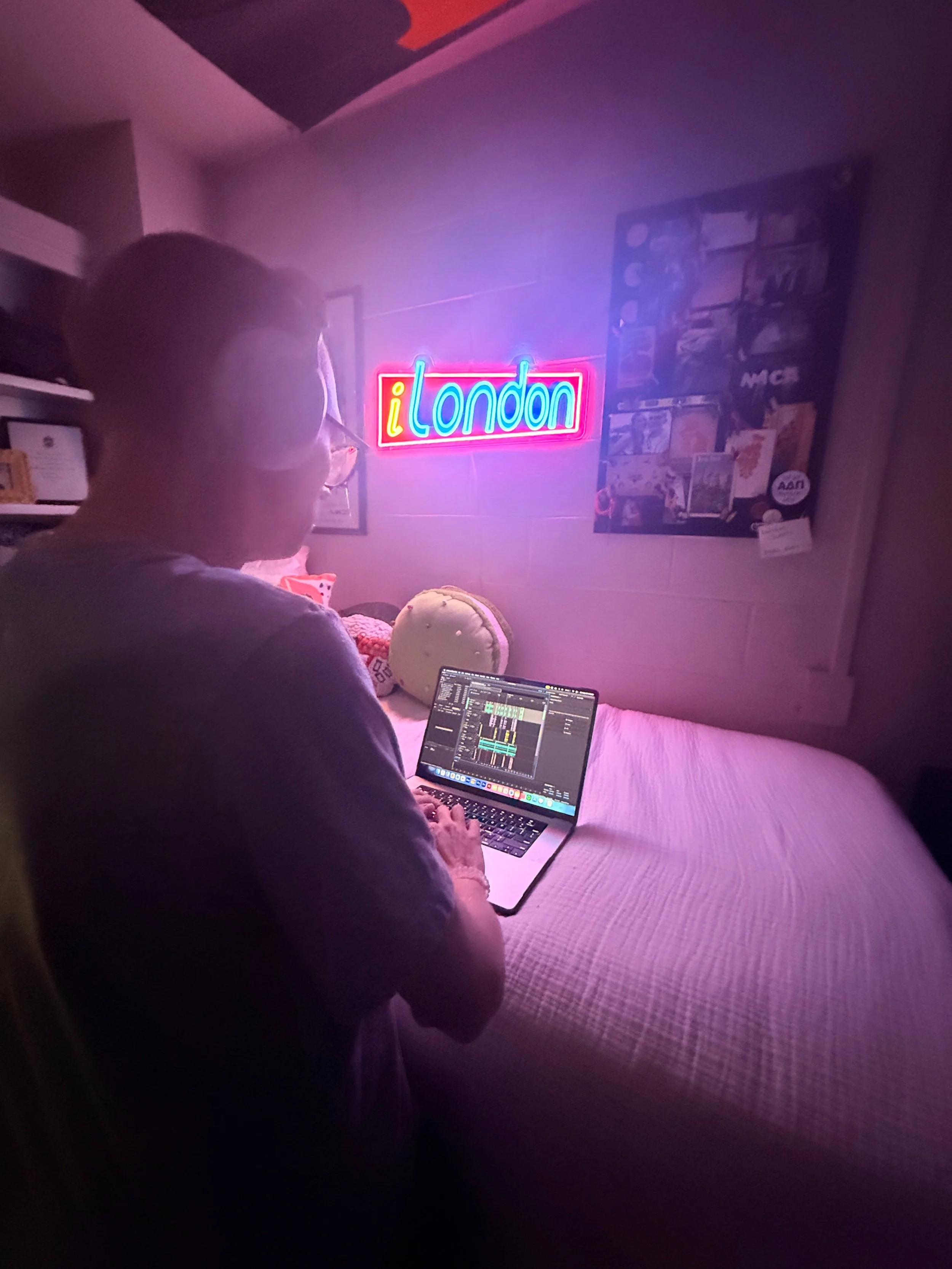
Completing the Rough Cut, 2025.
What did I do?
Podcasting isn’t something you sit down and do. Over the course of two weeks, I planned, interviewed, scripted, and edited a Podcast on the Furman University Student Activities Board (FUSAB). I had always thought that podcasting was a media form simpler than vlogging– or even blogging, but it isn’t. When accounting for the time it takes to research, schedule interviews, write scripts, organize the audio, and create branding for the show, podcasting quickly becomes just as much of a task as any other form of media. While the process was challenging and often tedious, especially when editing in Adobe Audition and scheduling interviews with busy Furman students, the project's overall outcome was gratifying, as I used my music-based passions in a new way to create substantial, easy-to-listen-to audio.
What did I learn?
By completing this project, I’ve learned essential steps to be an audio editor. Initially, I was intimidated by using Adobe Audition to edit my sounds, as the only program I had used to edit audio was Final Cut Pro 11, which was primarily designed for video editing. However, after sitting down and actually using the program, I learned that it’s not that daunting, and, frankly, it’s pretty easy with shortcuts like Command (⌘) + K and the color-coordinated sliders. Furthermore, I learned about sound and the importance of good audio. Where there’s writing for the eye, there’s sound for the ears. I had to find the best locations to record and place condenser microphones with voice filters on some audio where background noise was an issue. In doing so, I learned how to be an effective podcaster, recording and editing audio for other critical media consumers.
How did I do it?
When I was selecting a design for the “A Focus on the Furman Bubble” logo, I knew I wanted something that was a parody of something many podcast consumers would recognize. This is how I settled on creating a logo similar to the Apple Podcasts Logo. To create the logo, I placed a picture of the Furman Bell Tower into ChatGPT and prompted it to “Cut out the Bell Tower from this image, outline the Bell Tower in Black, and place it on a white background.” After other prompts, such as “Simplify the clock” and “Remove the stairs from the bottom half of the image,” I placed the image in Adobe Photoshop, removed the white background, and used the paint bucket tool to make the black bell tower white. Finally, I put the Bell Tower in Adobe Illustrator, created three circles by holding the Shift key and using the Ellipse tool, then used the Knife and Direct Selection tools to remove the bottom quadrant of each circle. I created a simple gradient in Canva, exported the image to Illustrator, and uploaded the final audio project with the logo to SoundCloud.
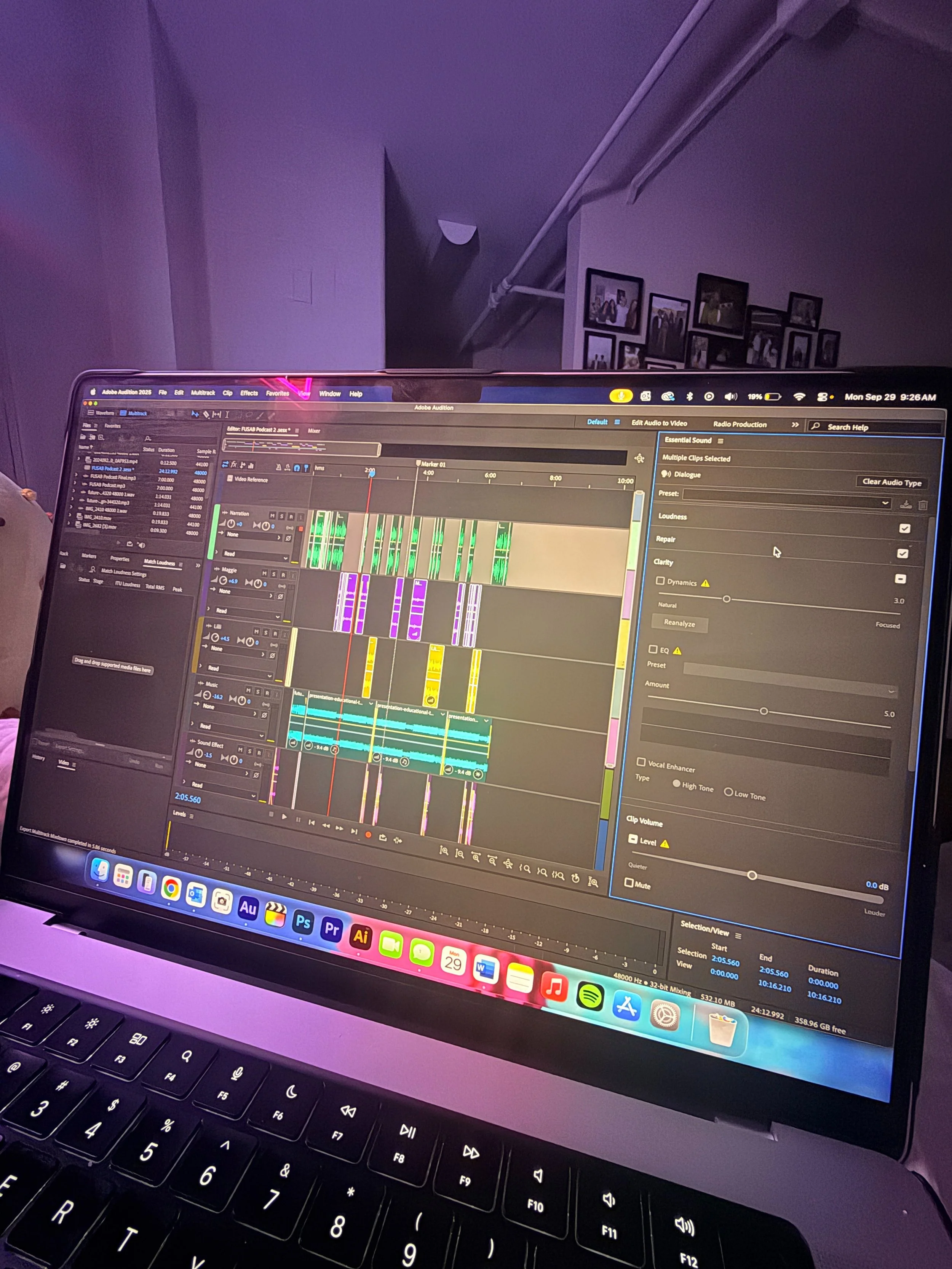
Adobe Audition on a MacBook Pro, 2025.
What will I do with these skills?
Today, I developed a newfound appreciation for audio editing— and Adobe Audition. I can now use my skills with the program and recording audio to create engaging audio clips of myself playing one of my seven instruments, for example. I have also developed a deeper appreciation for my favorite podcasters, such as Brittany Broski (The Broski Report) and Benito Skinner (Ride). Overall, I will utilize my new skills to refine my audio editing practice and become more appreciative of creators when listening to their podcasts online.
sources & references
https://commons.wikimedia.org/wiki/File:Adobe_Audition_CC_icon_%282020%29.svg
https://iconscout.com/free-icon/voice-memos-1859954_1575942
https://mailchimp.com/resources/what-is-a-podcast/
https://podcasts.apple.com/us/new
https://podcasts.apple.com/us/podcast/ride-with-benito-skinner-and-mary-beth-barone/id1674937387
https://podcasts.apple.com/us/podcast/the-broski-report-with-brittany-broski/id1687559061
https://www.adobe.com/products/audition.html
https://www.adobe.com/products/photoshop.html

